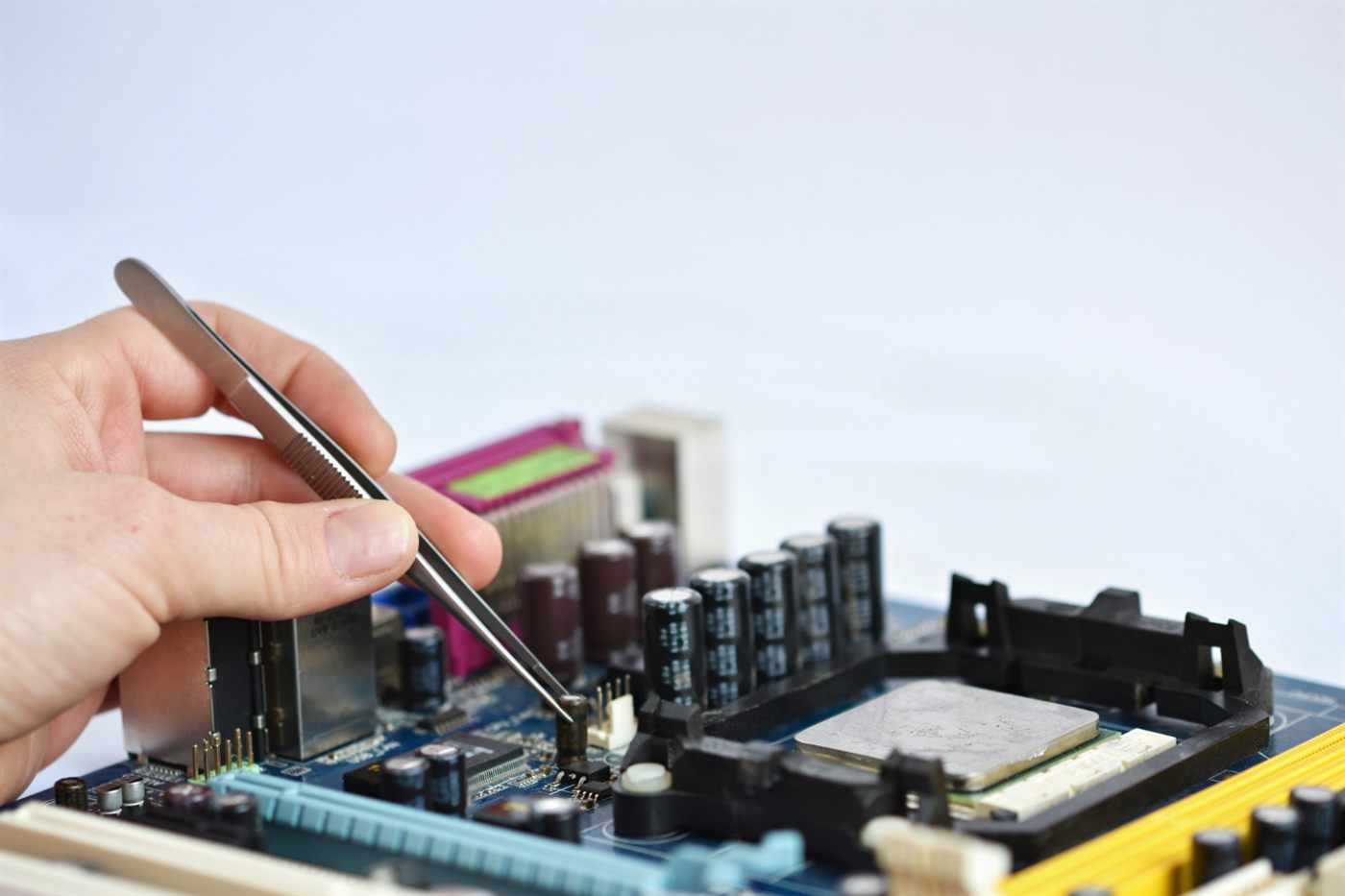
A photograph showing Windows running is useful, but it does not answer every support question. When you buy an older desktop, confirm that the proposed operating system is appropriate for the exact machine and the software you intend to use.
Separate installation from eligibility
Ask for the computer model and full processor identifier, then use Microsoft’s Windows 11 requirements as the reference. Processor eligibility, TPM 2.0 and Secure Boot capability are among the checks. Extra memory alone does not establish compatibility.
Request evidence for the allocated unit
Where applicable, ask the seller for a PC Health Check result from the actual computer. Match that result to the offered specification. If the answer is only “Windows is installed”, follow up on eligibility rather than assuming the installation proves it.
Clarify software and licensing separately
Confirm the operating-system edition and what software is included in the purchase. Check your application supplier’s requirements too. Eligibility for an operating system does not prove that every work application will run well or that an advertised office suite has a transferable licence.
Resolve the question before payment
If evidence is incomplete, leave compatibility marked as unconfirmed while you investigate. The office desktop planning guide helps place this check alongside your application, connection and setup requirements.
Frequently asked questions
Does a Windows desktop screenshot establish Windows 11 eligibility?
It shows an installation in use, but not necessarily that the hardware meets the official requirements. Request a compatibility check for the offered machine.
Will adding RAM make any older desktop eligible for Windows 11?
No. Other requirements, including the processor and platform capabilities, also apply. Check the complete specification against Microsoft’s guidance.
Does Windows 11 eligibility confirm that business software is included?
No. Software inclusion, licensing and application compatibility are separate questions to settle with the relevant suppliers.