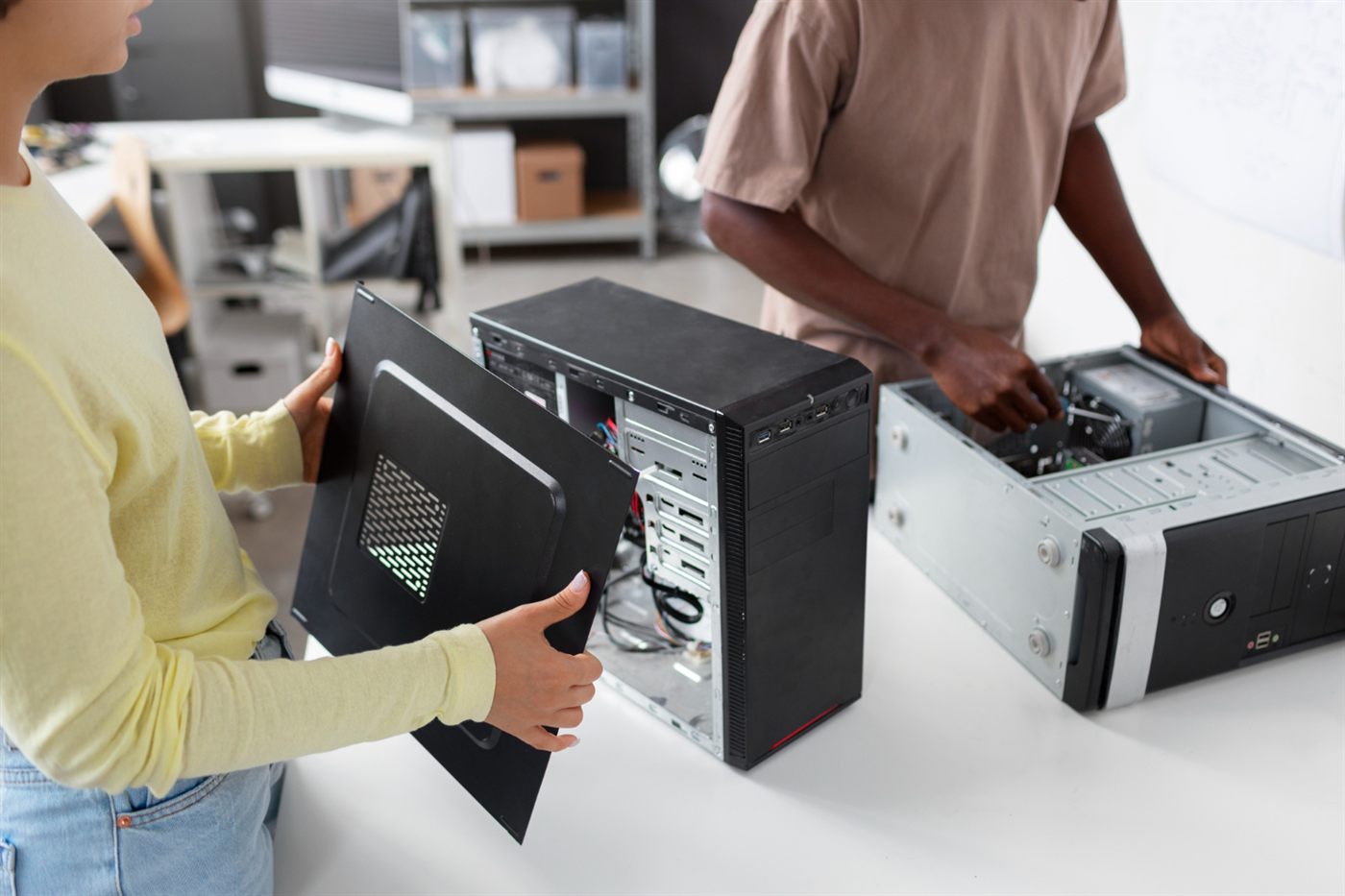
Replacing several computers at once affects more than the equipment budget. Staff still need access to their files, printers and applications. A short rollout plan helps you spot those dependencies before the old machines are disconnected.
Start with one representative desk
Choose a user whose tasks cover the common office workflow. Confirm the replacement can complete those tasks before repeating the setup elsewhere. Keep a record of the configuration that worked so later units can be checked against it.
Allocate the setup work
Name the person responsible for applications, file transfer, accounts and peripheral connections. Ask staff to identify essential local files and unusual tools in advance. Decide how backups will be verified before any old storage is erased or reused.
Schedule around the work
Agree a practical changeover window with each user. Prepare access and installation materials beforehand, and retain a workable fallback until the new desk passes its checks. Avoid turning a delivery date into a promise that every machine will be ready that afternoon.
Close each desk individually
Record completed checks and any follow-up action before moving on. The Malaysian office desktop buying guide connects this rollout planning with the specification and budget decisions made earlier.
Frequently asked questions
Why pilot one desktop before replacing the whole office?
It lets you identify application and connection issues in a smaller change before repeating the setup across several desks.
When should the old office computer be erased?
Only after the responsible person has verified required backups and transfer, and approved erasure under the organisation’s procedure.
Is equipment delivery the same as a completed desktop rollout?
No. Installation, access checks, file availability and user handover still need to be completed.