Keeping an existing monitor can make a desktop replacement simpler, provided the connections match. Take a few minutes to record both ends of the connection instead of ordering a cable from memory.
Identify the actual outputs and inputs
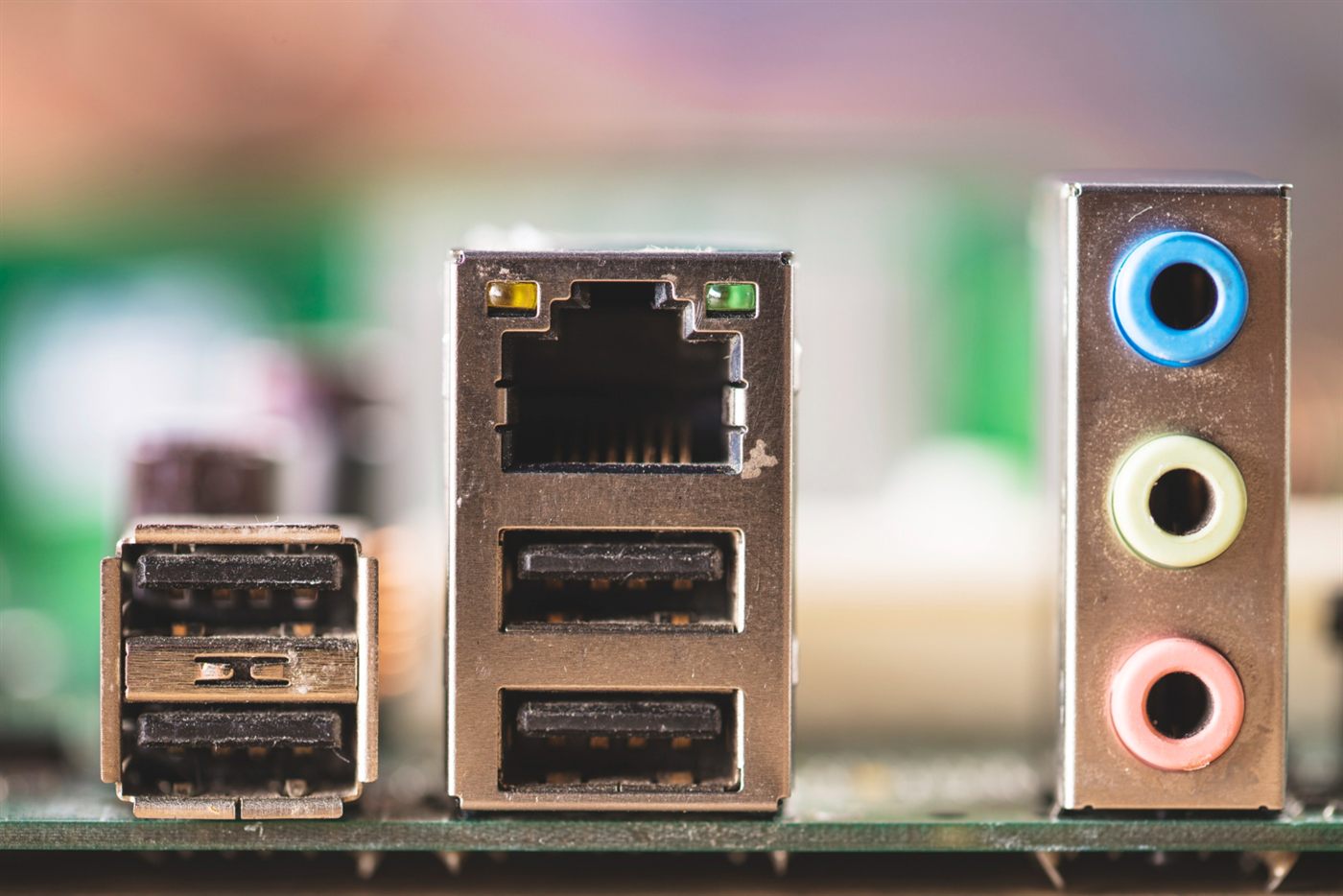
Photograph the ports on the proposed desktop and the monitor you want to keep. Record their labels and model references. A listing image from a related computer may show a different rear panel, so ask for confirmation of the supplied unit.
Describe the intended screen arrangement
Tell the seller whether you want one display, a mirrored image or an extended workspace. Ask them to confirm support for the intended number of screens and resolution with the proposed configuration. The presence of several sockets does not, by itself, answer that question.
Include the connection accessories
List the required cables or adapters and confirm which are supplied. Where conversion is needed, check the source-to-display direction and compatibility before buying. Keep the monitor’s power lead and any required adapter in the same setup checklist.
Try the arrangement before handover
Have the person setting up the desk verify the displays at their intended settings. Include this in the office PC purchase plan so the computer and its workspace are ready together.
Frequently asked questions
Can I select a monitor cable from the computer brand alone?
Use the actual computer outputs and monitor inputs. Different models and configurations under the same brand can have different connections.
Do two display sockets always mean the extended desktop I want is supported?
Confirm the intended arrangement, resolution and configuration explicitly rather than counting sockets as proof.
What should I photograph before asking about a display adapter?
Capture the desktop output, monitor input and model labels clearly enough for the supplier to identify the connection at each end.