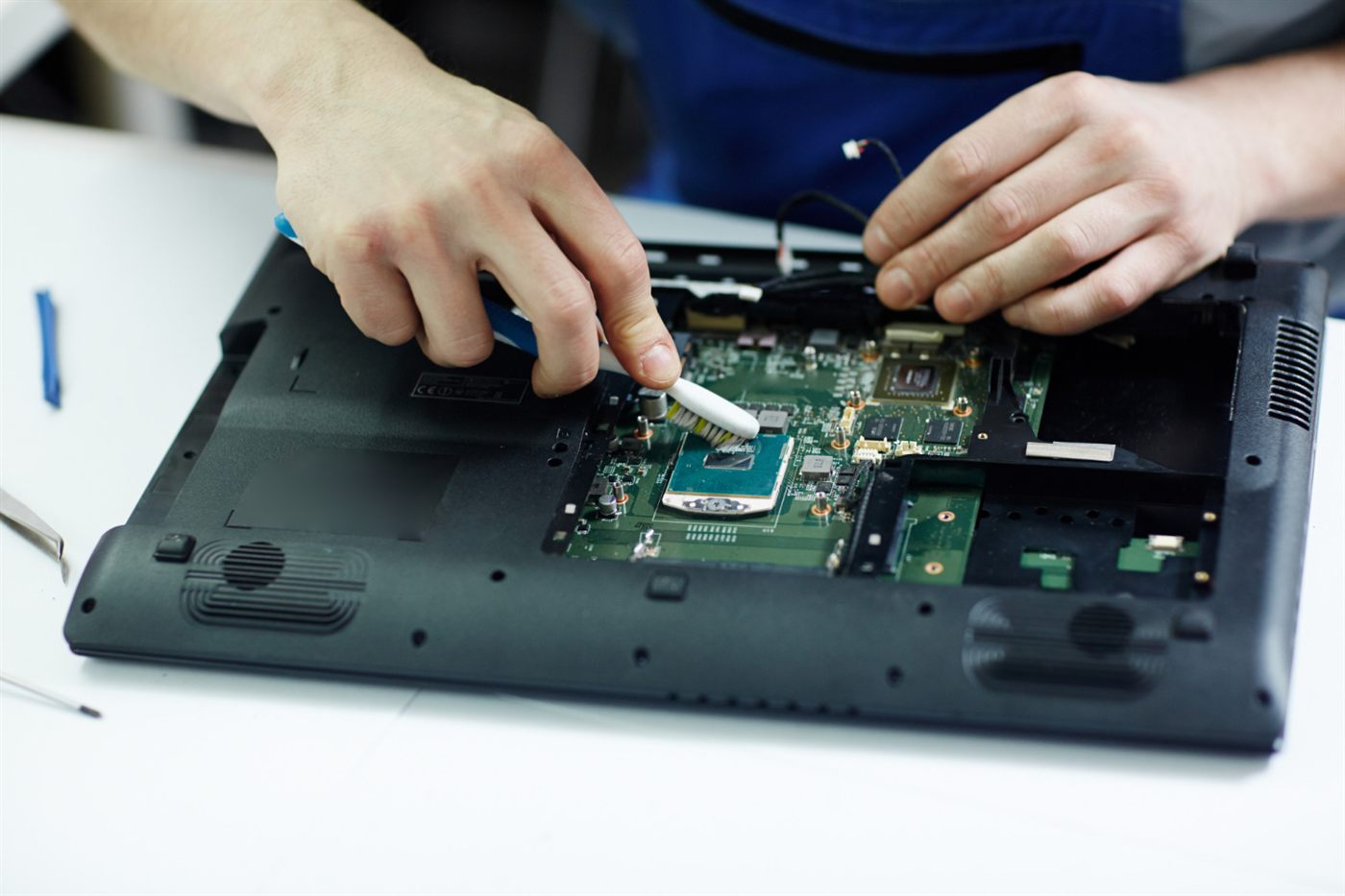
Ask for the complete processor name when a used laptop listing gives only a family badge. Two computers labelled “i5” can belong to different generations and product ranges, so the badge alone is not enough for a useful comparison.
Copy the model accurately
Request the processor information shown by the device and record it with the laptop model. Keep letters and numbers intact. They are part of the identifier you will use when checking the processor maker’s specifications and application compatibility.
Compare the task rather than the badge
Open the software publisher’s requirements and check what is actually specified. Some tasks depend on graphics hardware or available memory as well as the processor. Avoid deciding that every higher family number is automatically the better laptop for your work.
Keep the whole device in view
A processor does not tell you about keyboard condition, storage capacity or battery behaviour. Use it as one line in your shortlist, not a verdict on the complete machine. A short demonstration with your normal sample document can be more informative than a seller’s general speed claim.
Bring the question back to the seller
Ask them to identify the exact configuration they can supply, then compare it with your requirements. Our technical laptop buying guide connects this processor check to operating system and peripheral decisions.
Frequently asked questions
Is an i7 always preferable to an i5 in a used laptop?
A family name alone is insufficient. Compare exact models, generations and the complete laptop configuration against the work you need to do.
Where can I ask the seller to find the processor name?
Ask for the processor information displayed in the device’s system information, tied to the laptop being offered.
Should I choose by clock speed alone?
No. A single clock-speed number does not describe the entire processor or how the laptop will handle your applications.